Paid Media
Google Ads sitelinks: choose useful pages and measure real clicks
Build relevant Google Ads sitelinks with practical examples. Check destinations, shared associations and click types before judging CTR or lead quality.
Vladlens Kecko · · 7 min read
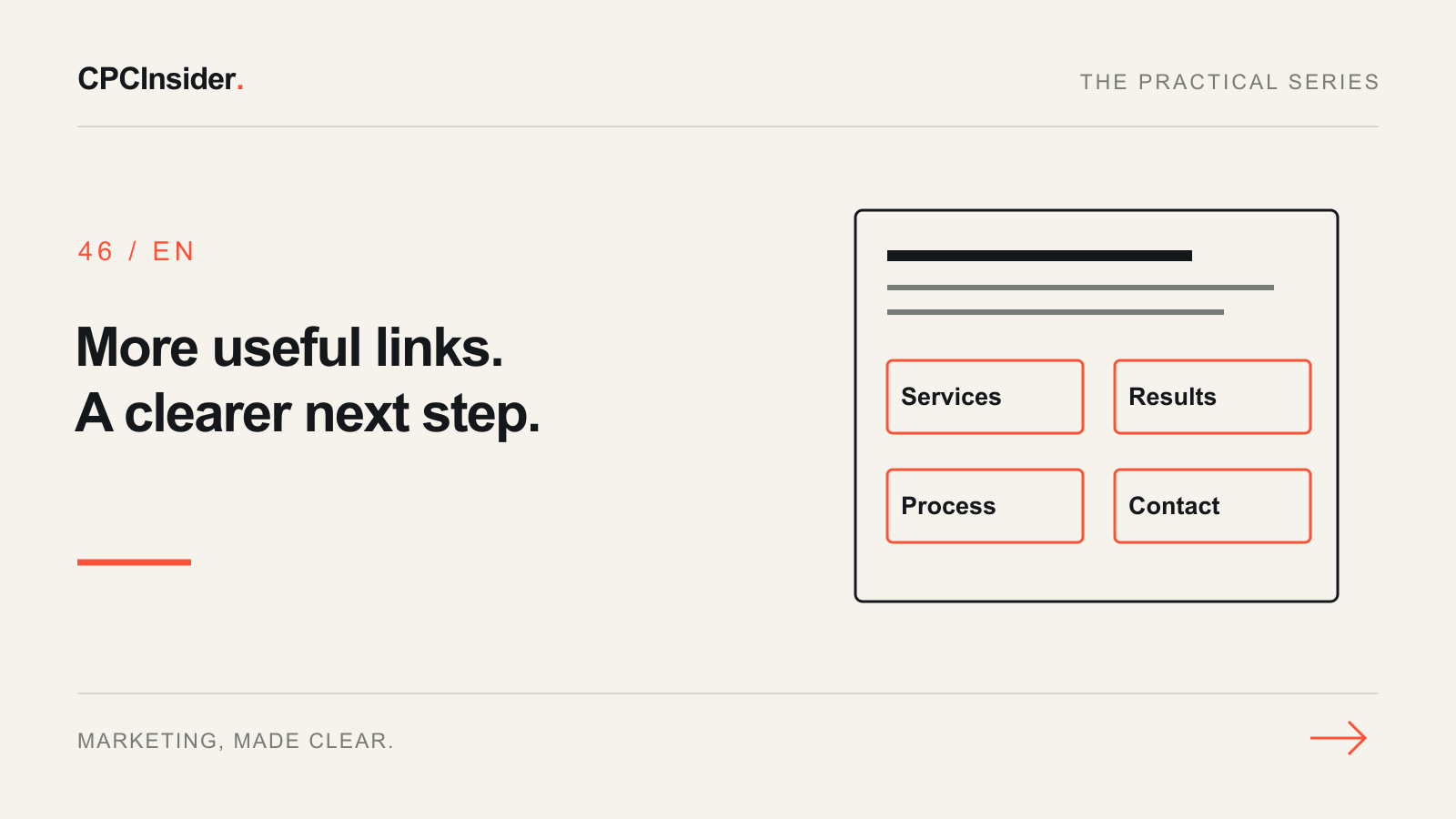
A useful sitelink answers a customer’s next question and sends them to the page that answers it. Adding several versions of “Learn more” can make an ad busier without making the decision easier.
This guide is for Search advertisers reviewing the links underneath their ads. These are paid-ad assets, not the organic sitelinks Google may show beneath a website result. Use our Google Ads learning path for the wider campaign workflow.
1. Map links to decisions before writing copy
Start with the actual pages you have. What would someone need after reading the ad: a service detail, evidence, the working process or a way to discuss fit? A promise about pricing needs a destination that actually explains pricing; a generic homepage is not a substitute.
The following is a fictional service-business plan, not a CPCInsider campaign or a performance claim. The paths represent pages the hypothetical business must already have and verify.
| Sitelink text | Customer question | Example destination | Check before use |
|---|---|---|---|
| Services | Do you solve my problem? | /services/ | Relevant service is easy to find |
| Customer Results | Have you done comparable work? | /case-studies/ | Evidence is approved and contextual |
| How We Work | What happens after I enquire? | /process/ | Steps and responsibilities are clear |
| Discuss Your Project | Can we establish fit? | /contact/ | Form and response expectations work |
Draft one distinct purpose per row. Do not invent pages, results, discounts or deadlines to fill a quota. If six useful destinations exist, prepare them; four relevant choices are more useful to the customer than extra filler.
2. Keep the account structure relevant
In Google Ads, open Assets, select the sitelink type and inspect its associations before editing. Google’s sitelink guide explains that assets at several levels within the same account branch can serve together. A campaign-level choice does not automatically exclude an account-level link.
Use broad account-level links only where they genuinely fit every eligible campaign. Place specialist service links at the narrower appropriate level. Record the link text, final URL, language, association, schedule and owner in your working sheet.
Editing a shared asset can affect several associations. Check that scope first and save the previous values. CPCInsider co-founder Arturs Rubins previously worked at Google; that experience informs our paid-media work, without implying Google endorsement or a guaranteed result.
3. Check the promise and the destination together
Google’s sitelink requirements cover repeated text, relevance and destination domains. Write distinct labels that accurately describe the destination. Keep link text within the interface’s limit; Google states 25 characters for most languages. Add informative description lines where available and follow the current field limits.
Open each final URL on mobile. Verify the expected language, visible offer, working navigation and intended next step. Test a form only through an approved test process, so sales does not receive unexplained fake enquiries. Use the landing-page checklist for the full destination review.
For time-limited offers, align asset scheduling with the real offer and remove stale claims. Review automatically created links too, where enabled; do not assume the manually written set is the only eligible set.
4. Diagnose missing sitelinks before rewriting everything
| Observation | Investigation | Useful response |
|---|---|---|
| Asset is disapproved or limited | Read status and policy details | Correct the stated issue; recheck destination |
| Link appears for an unrelated service | Inspect account and campaign associations | Restrict the association to the relevant scope |
| Eligible asset has no impressions | Check ad eligibility, schedule and selected period | Investigate coverage; eligibility does not promise display |
| Link gets clicks but poor enquiries | Read destination and sales feedback together | Improve fit before chasing a higher CTR |
| Labels sound interchangeable | Compare the questions they answer | Replace redundancy with a distinct useful destination |
Do not repeatedly search for your own ad to infer delivery. Review account evidence. Google chooses which eligible assets to show; an approved sitelink is not guaranteed to appear in every auction.
5. Separate ad clicks from sitelink clicks
The asset-performance documentation explains an important reporting trap: the asset table’s clicks can include other parts of the ad when that asset appeared. Segment by Click type to investigate clicks on the sitelink itself.
For a hypothetical reporting example, suppose an asset row shows 20 ad clicks and the click-type breakdown shows five sitelink clicks. Do not describe all 20 as visits through that link. Also avoid adding the impressions of several sitelinks shown together as if each represented a different ad impression.
Assess the destination’s tracked outcomes and qualified enquiries, not CTR alone. Compare equivalent campaign, device and date contexts, allow for conversion delay, and keep unrelated bidding or offer changes out of the same small test. With sparse traffic, record uncertainty instead of declaring a winner.
Are sitelinks free, and will they improve organic rankings?
Adding the asset has no separate setup fee from Google, but ad clicks can incur charges under the campaign’s billing model. Sitelinks are not a free-traffic channel or an organic-ranking shortcut. Neither more links nor higher CTR guarantees profitable customers.
Your release checklist
- Give each link a distinct customer purpose and a working destination.
- Check language, truthful copy and mobile completion.
- Inspect shared associations, automated links and schedules.
- Save the previous configuration and one test hypothesis.
- Verify status, actual click types and downstream lead quality.
- Review a sufficiently mature period before the next decision.
Need help connecting ad assets to better enquiries? Explore our Google Ads and Meta Ads management service. Book a free 30-minute founder-led growth review and receive a short written plan with three priorities. There is no obligation to hire CPCInsider; implementation scope is agreed separately.
About the author
Free founder-led growth review
Are your ads attracting the right customers?
In a focused 30-minute conversation, we review your advertising, website and sales follow-up together. Afterwards, you receive a short written action plan you can use with your own team or with ours.
Your biggest growth gaps
See where your ads, website or follow-up may be losing potential customers.
Your next 3 priorities
Get a ranked action list with the reason for each recommendation and what to check next.
A practical starting plan
Leave with clear next steps for your team, plus our recommendation if you want help implementing them.
Continue reading
Google Ads Quality Score: diagnose low scores without chasing 10/10
Low Google Ads Quality Score? Diagnose expected CTR, ad relevance and landing-page experience with a practical worksheet. Improve the customer journey, not just a score.
Google Ads landing page: 12 elements for qualified leads
Review your Google Ads landing page with 12 checks for message match, proof, forms, mobile use and tracking. Prioritise one change you can measure.
Google Ads conversion delay: when should you judge CPA and ROAS?
Is your Google Ads CPA really too high? Check conversion delay, compare equally mature periods and use a worked example before changing bids or budgets.