Analytics & CRM
GA4 Unassigned traffic: 6 checks to find the cause
Find why GA4 shows Unassigned traffic. Check source/medium, UTM links and session tracking, then verify the fix without hiding missing acquisition data.
Vladlens Kecko · · 7 min read
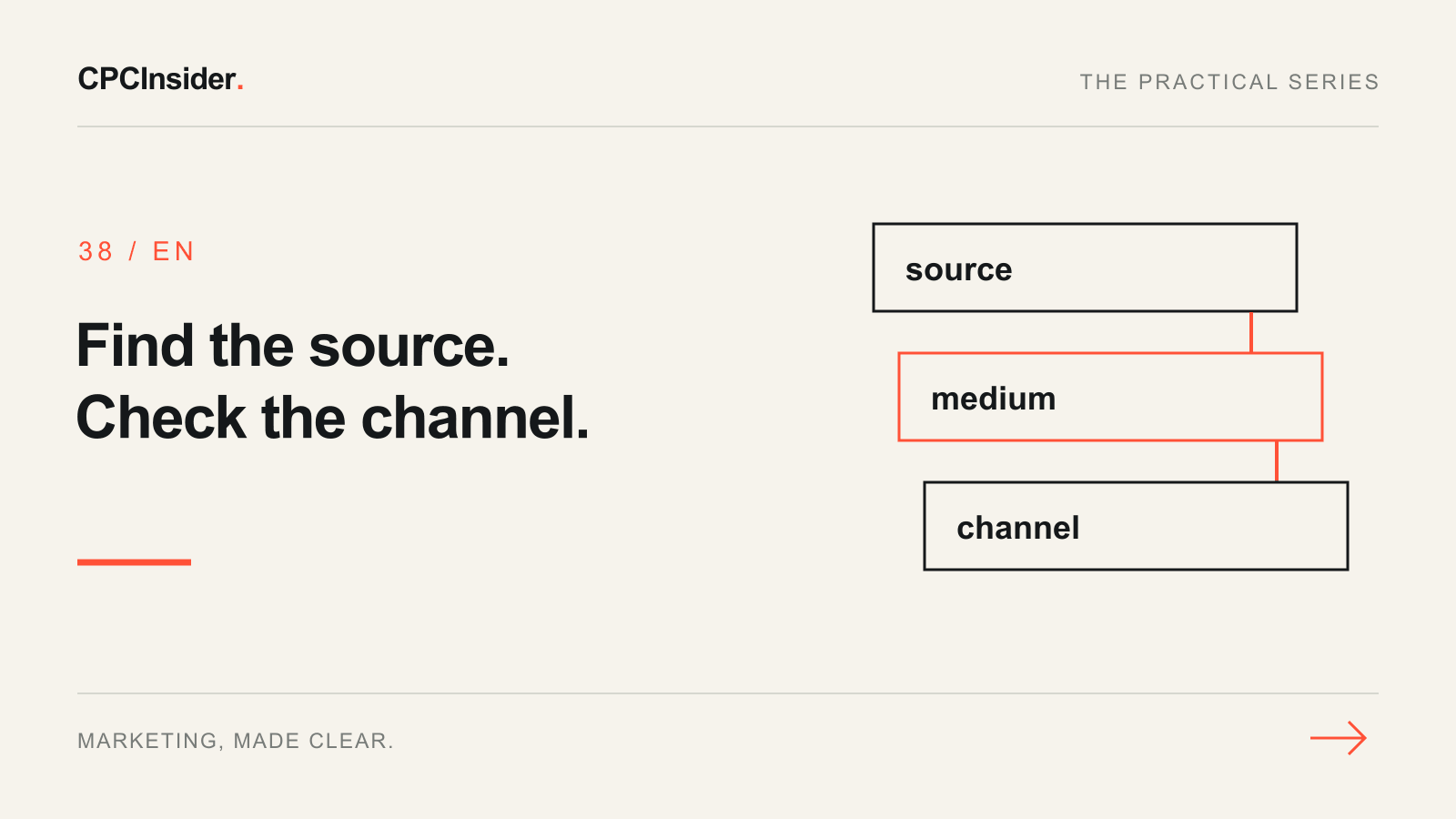
Unassigned means that the recorded traffic does not match a channel rule. It is a diagnosis to investigate, not a channel you should automatically rename as Paid Social or Direct. Google's default channel definitions provide the classification rules.
Start by separating two problems: a known source that is classified unexpectedly, and missing source information. They need different fixes. This guide gives website owners a reproducible workflow; it does not require changing advertising budgets before the cause is known.
1. Record the report scope and date range
Open the Traffic acquisition report and use Session default channel group. Add Session source / medium as the secondary dimension where available, then inspect the Unassigned row. Record the property, period, filters, channel-group name and metric. An exploration using the same session dimensions can help if the standard report cannot show the combination.
Do not substitute First user source / medium or an event-scoped source without changing the question. Google's scope guide distinguishes first acquisition, sessions and event attribution. A session investigation should keep its dimensions consistent.
2. Separate known sources from missing values
| What you observe | Investigation branch | Useful evidence |
|---|---|---|
| Recognisable source with an unusual medium | Compare tagging with channel rules | Published campaign URL and final landing URL |
| Session source / medium is (not set) | Inspect collection and session context | Tested event sequence and tag setup |
| Realtime and processed reports differ | Check scope and processing before concluding | Same definition and a mature reporting period |
| Only one recent deployment is affected | Investigate that change | Release date and a reproducible journey |
Google documents that missing session_start can produce (not set) session source / medium and Unassigned classification in its (not set) guide. That is one possible cause, not proof that every Unassigned session has the same fault.
3. Follow the actual campaign link
Open the link as a visitor would, including any email click tracker or redirect. Record the original URL, the final landing URL and which acquisition parameters survive. Inspect the real published link rather than the planned URL in a spreadsheet.
Use Google's tagging troubleshooting guidance alongside your UTM naming convention. Keep a record of the exact value you change. Do not overwrite Google Ads auto-tagging blindly or add campaign tags to ordinary internal navigation.
4. Work through a hypothetical email example
Suppose an email link uses utm_source=october_digest and utm_medium=customer_update, and the processed report shows that pair as Unassigned. For a genuine email campaign, use the documented Email medium email in future links. Preserve the descriptive campaign name separately.
| Test-log field | Hypothetical entry |
|---|---|
| Observation | Known newsletter source appears in Unassigned |
| Hypothesis | Medium does not express the actual email channel |
| Change | Future email link uses utm_medium=email |
| Owner | Person publishing the newsletter |
| Validation | Check final URL and later session source / medium |
| Limit | Does not recover source values never collected |
This is a fictional scenario, not CPCInsider client data. If the final URL loses the tags, fixing the medium alone is insufficient. If source information is missing, do not guess it from the visitor's landing page.
5. Test collection before changing channel groups
Use a fresh controlled journey and inspect the tag/event sequence with the GA4 audit checklist. If a server or app integration sends events, ask its owner to check how they relate to the web session. Do not manufacture session_start events just to make a report look cleaner.
Google notes that report processing can take 24–48 hours. Compare processed periods after allowing for processing; an immediate Realtime screenshot is not the final acquisition test. Respect consent choices and keep personal details out of ordinary analytics fields.
6. Use custom grouping only for known business categories
A custom channel group can classify recorded source information differently in supported reports, including historical reporting. It cannot recreate missing acquisition data. Keep the default view for comparison and review rule order before using a custom group in decisions.
Will changing UTMs repair historical sessions?
Changing future links changes future collection. A custom reporting rule can reinterpret values already present; it cannot retrieve tags that were never recorded. Mark the correction date and document which view you are comparing.
Should Unassigned always be zero?
A zero target can encourage hiding uncertainty. Prioritise evidence for sources that materially affect decisions, record unresolved rows and avoid a universal acceptable percentage. Use the measurement plan to define who owns each remaining issue.
A checklist for your next review
- Save the property, period, session dimensions and selected group.
- Split unexpected known values from missing source values.
- Test the actual campaign URL and its redirects.
- Record one hypothesis, correction, owner and date.
- Recheck processed session reporting under the same scope.
- Keep unresolved evidence visible before reallocating budget.
Find the tracking issue behind your next budget decision
Book a free 30-minute founder-led growth review. Bring your acquisition report and one affected campaign link. We will discuss the main constraint and follow up with a short written three-priority action plan, with no obligation to hire CPCInsider. Implementation is agreed separately.
Our team combines analytics and CRM work with co-founder Arturs Rubins's former Google experience. Explore tracking, attribution and CRM support for help connecting reliable source data to customer outcomes.
About the author
Free founder-led growth review
Can you trust the numbers behind your decisions?
In a focused 30-minute conversation, we review your advertising, website and sales follow-up together. Afterwards, you receive a short written action plan you can use with your own team or with ours.
Your biggest growth gaps
See where your ads, website or follow-up may be losing potential customers.
Your next 3 priorities
Get a ranked action list with the reason for each recommendation and what to check next.
A practical starting plan
Leave with clear next steps for your team, plus our recommendation if you want help implementing them.
Continue reading
Advertising measurement: build a GA4 and CRM measurement plan
Build a GA4 measurement plan with event definitions, Google Ads goals and CRM outcomes. Use a practical worksheet and pre-launch checks.
CPC vs CAC: why cheaper clicks can cost you more customers
Compare CPC, CPA and CAC with clear formulas and two campaign examples. Use the free worksheet to see whether cheaper clicks really lower customer costs.
Google Ads conversion tracking for B2B: from click to revenue
Track Google Ads beyond form submissions. Preserve click sources in CRM, define qualified leads and connect campaign costs with won customers and revenue.