Analytics & CRM
Multi-touch attribution in CRM: split credit for one won deal
Compare first-touch, last-touch and equal credit for one won deal. Use the worksheet to remove duplicate interactions and reconcile attributed revenue.
Vladlens Kecko · · 8 min read
Marketing and sales both claim the same won deal. Open one closed-won record and write down its unique deal ID, amount, currency and close date. Then list the recorded interactions attached to its contacts. Check those records before choosing an attribution model.
Multi-touch attribution assigns credit across recorded interactions. You can use this worksheet to compare several rules on one revenue total. Keep original source history and calculated credit in separate columns. The CRM conversion tracking guide covers the wider reporting process; this guide focuses on allocating one deal without counting its revenue twice.
1. Agree which outcome you are counting
Write a report definition before exporting data: closed-won amount, close-date period, currency, time zone and the interaction window. Include the same deals in each model. Record whether your amount includes tax, refunds or later adjustments. If finance reports paid invoices while CRM reports signed contracts, name both measures and reconcile the difference.
HubSpot distinguishes contact creation, deal creation and revenue reports. Confirm which outcome the report measures before comparing channels.
Use sales pipeline exit criteria to check what your team means by won. An open proposal belongs in a separate pipeline view.
2. Build the deal-to-interaction worksheet
Export the selected deal, its associated contact IDs and the recorded interactions you are permitted to use. Keep an untouched source copy. Give each row a deal ID, contact ID, interaction ID, timestamp, channel, source record and eligibility reason. Preserve original-source fields when you calculate another view.
Count unique eligible interaction IDs for the deal after joining the exports. One webinar attendance linked through two contact or campaign rows still represents one recorded event. Divide by the deduplicated interaction count for equal credit. Keep genuine repeat events with different IDs only when your written rule includes them. Inspect conflicting IDs before calculating.
| Field | Check before using it | Action if it fails |
|---|---|---|
| Deal ID and amount | One revenue record per deal, with its currency | Resolve duplicate or conflicting amounts |
| Contact-to-deal link | Evidence that this contact belongs to this deal | Exclude the uncertain association from this worksheet |
| Interaction ID | One recorded event with a timestamp | Investigate repeated IDs |
| Eligibility | Agreed event type, time window and pre-close cutoff | Record the exclusion reason |
| Source and channel | Traceable record and naming rule | Retain an unknown-source label |
| Model and weight | Named rule and version | Calculate again using the documented rule |
Keep unknown history visible. If a deal has no eligible recorded interactions, put its full amount in an unassigned row. Partial history needs a warning: a balanced total cannot prove you observed the entire buying journey.
3. Work through one fictional deal
The following numbers are a teaching example, not CPCInsider client results. Fictional deal D-01 closes for €12,000. Contact A has an organic-search visit and a webinar attendance; contact B has a sales meeting. For this worksheet, the team has verified three unique interactions before close and has chosen to include all three.
| Recorded interaction | First-touch credit | Last-touch credit | Equal credit |
|---|---|---|---|
| Organic search, contact A | €12,000 | €0 | €4,000 |
| Webinar, contact A | €0 | €0 | €4,000 |
| Sales meeting, contact B | €0 | €12,000 | €4,000 |
| Total for D-01 | €12,000 | €12,000 | €12,000 |
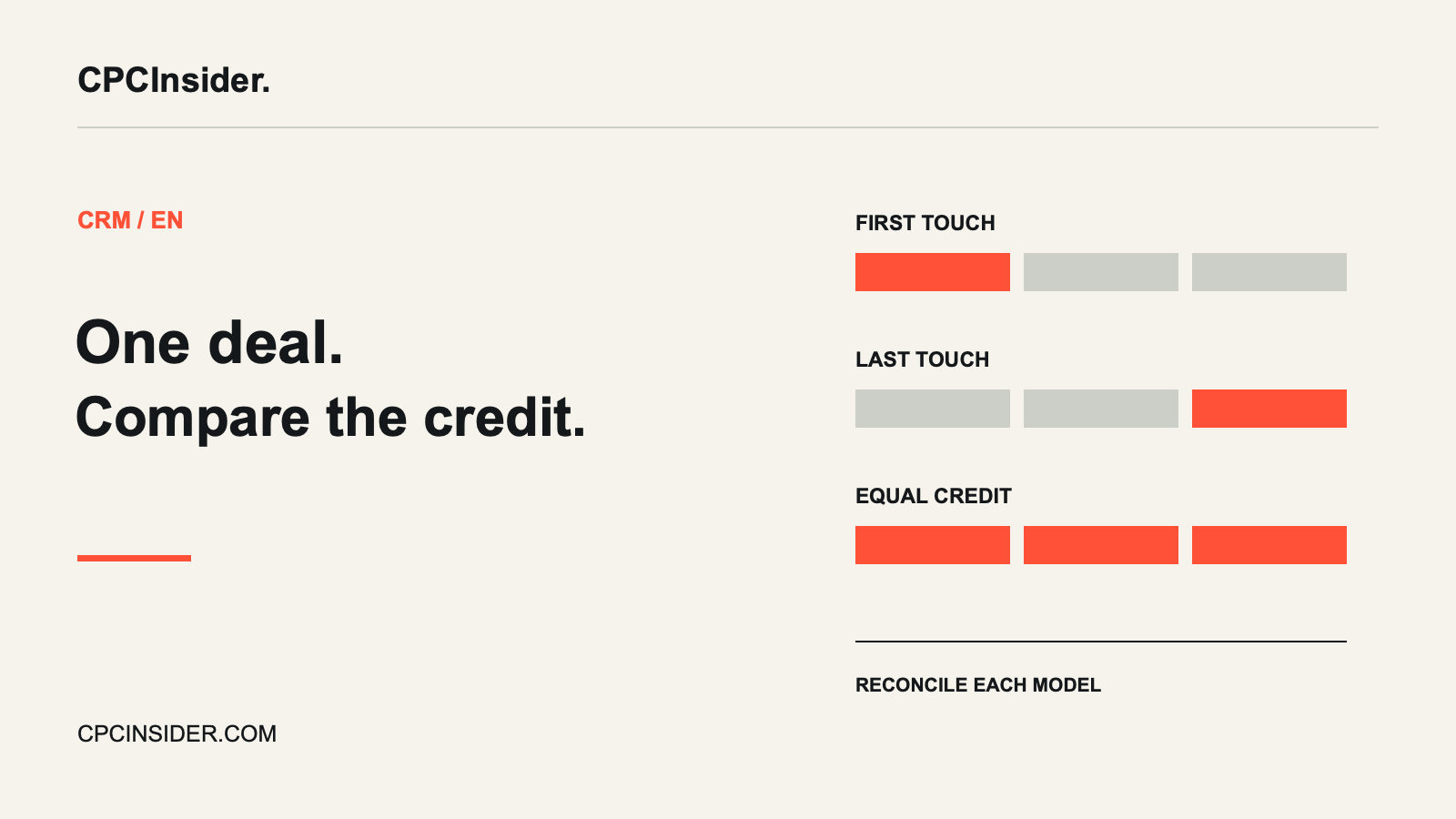
First touch assigns the full amount to the earliest eligible interaction; last touch assigns it to the latest. Equal credit divides €12,000 by three eligible interactions. Treat these columns as alternative views. Adding their totals would turn one €12,000 deal into €36,000 of reported credit.
For a second fictional deal D-02 worth €3,000 with no eligible history, record €3,000 as unassigned under each model. Each model should then reconcile to €15,000 across the two deals. Keep the unknown-history amount visible in the report.
4. Document your rule before comparing software
Decide whether repeated activity counts as separate interactions, which contact associations qualify and how you handle equal timestamps. State whether sales calls and direct visits qualify in your worksheet. Save the extraction date and rule version so someone else can reproduce the result.
A CRM worksheet may use different rules from an advertising report. Google Analytics no longer offers first-click or linear models in its attribution reports; its current models and direct-traffic rules appear in Google's attribution documentation. Use this article's equal-credit column for a manual worksheet comparison. In GA4, choose from the models its current interface supports.
5. Use the difference to ask a better question
If the first- and last-touch views favor different channels, inspect the underlying interactions and missing history. Ask whether one channel introduces buyers while another supports a later decision. Model allocation alone cannot establish that removing a channel would reduce sales.
If you find duplicate rows, repair the join and recalculate. If contacts or sources are missing, fix collection and association before using the report to move budget. If the records reconcile but the models differ, keep the definitions visible and investigate the decision each view supports. The report reconciliation checklist helps separate counting errors from legitimate reporting differences.
Before sharing the report
- Confirm the same deal cohort, currency and close-date basis in each model.
- Check unique interaction IDs after joining contacts and campaigns.
- Reconcile each model's credit, including unassigned amounts, to the selected deal total.
- Show missing-history limits and preserve the original source fields.
- Name the model, interaction rules and extraction date beside the chart.
- Assign an owner to data corrections and repeat the same record check.
Review your CRM attribution rules
Bring the report definitions and an anonymized worksheet to a free 30-minute founder-led growth review. We will discuss the measurement and sales handoff, then send a short written plan with three priorities. There is no obligation to hire CPCInsider; implementation scope is agreed separately. Our tracking, attribution and CRM service covers delivery support.
About the author
Free founder-led growth review
Can you trust the numbers behind your decisions?
In a focused 30-minute conversation, we review your advertising, website and sales follow-up together. Afterwards, you receive a short written action plan you can use with your own team or with ours.
Your biggest growth gaps
See where your ads, website or follow-up may be losing potential customers.
Your next 3 priorities
Get a ranked action list with the reason for each recommendation and what to check next.
A practical starting plan
Leave with clear next steps for your team, plus our recommendation if you want help implementing them.
Continue reading
Google Ads conversion tracking for B2B: from click to revenue
Track Google Ads beyond form submissions. Preserve click sources in CRM, define qualified leads and connect campaign costs with won customers and revenue.
Marketing analytics: reconcile conflicting reports before changing spend
Resolve conflicting marketing reports with a metric register, matched reporting windows and record-level checks before using the numbers to change spend.
Google Ads CRM integration: connect leads and offline conversions
Return qualified opportunities and won business to Google Ads so campaign decisions learn from real commercial outcomes rather than raw forms.