Analytics & CRM
GA4 cross-domain tracking: a setup and testing checklist
Losing the customer journey between websites? Check GA4 tags, domain rules, redirects and the _gl linker with a practical cross-domain test worksheet.
Vladlens Kecko · · 7 min read
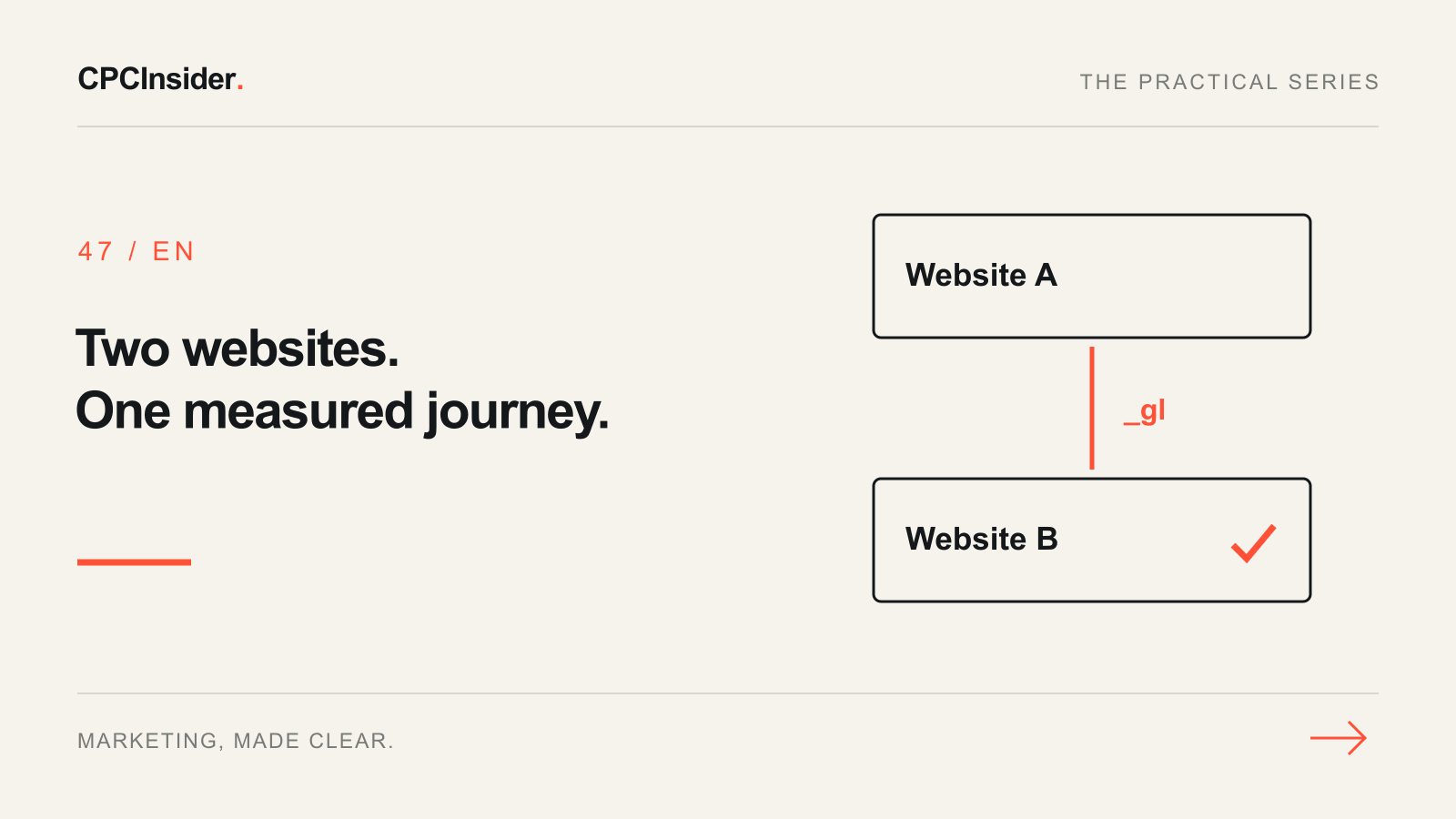
Cross-domain tracking is useful when one real customer journey crosses websites you can measure together. Start by identifying that journey, rather than adding every domain that appears in a referral report.
This guide covers GA4 web measurement between related sites. It is not a way to track someone across unrelated businesses or override consent. For a wider property review, use the GA4 audit checklist.
1. Draw the journey and establish control
Write down the source site, destination, exact navigation method and who can change each implementation. Include the actual booking or checkout hostname, not just the name of the supplier. A third-party platform may support your measurement configuration, but do not assume it does.
| Journey | First investigation | Avoid this shortcut |
|---|---|---|
| Your main site to a separately hosted booking site | Can both sides run the intended measurement? | Adding a domain without checking its tags |
| Two subdomains of your business | Cookie-domain settings and actual continuity | Assuming every subdomain needs a new setup |
| Return from an external bank or payment service | Referral handling and return journey | Assuming you can tag the bank |
| A publisher sends a new customer | Genuine acquisition source | Hiding a useful referral |
For payment-provider returns, use the separate payment-referral workflow. Referral exclusion changes source handling; it does not itself connect separate browser identities.
2. Record the configuration before editing
Google’s cross-domain setup guide requires the same GA4 web stream’s G-ID on the pages being connected. Inventory the property, stream, IDs, domain rules and responsible owners. Check both ends and save the existing settings.
In the web stream’s tag settings, review Configure your domains. Add only the evidenced domains with suitable matching rules. Inspect existing manual Google-tag or GTM overrides with the developer instead of layering a second solution on top.
Subdomains can already share cookies; investigate differing cookie-domain settings if continuity fails. Keep consent behavior intact on both sites. A setting in GA4 does not grant permission to collect data or synchronize consent choices.
3. Test the real click, not a copied URL
Google’s developer explanation describes a linker parameter named _gl. It is added during navigation and is short-lived. Follow the real link or form immediately; do not save a decorated URL and reuse it later as a test fixture.
Use an approved test environment or controlled journey. Open tag preview and browser developer tools, follow the normal path, and capture the destination plus any redirect chain. Confirm that the destination loads, the intended stream receives activity, and the linker is handled by the destination tag. A visible _gl is an intermediate check, not proof that every report is correct.
Keep raw identifiers and full decorated URLs in a restricted diagnostic log, not a public report. Do not manually create IDs, add personal information or bypass consent to make the test look successful.
4. Use a journey test worksheet
The following is a hypothetical example, not a client result. A service business sends visitors from www.example.com to an approved booking site at book.example.net. The business can configure both measurement implementations.
| Test | Evidence to collect | What a useful result looks like |
|---|---|---|
| Normal link to booking | Actual click and destination request | Linker reaches a working destination |
| Booking URL redirects | Each hop and retained parameters | Redirect does not strip the required linker |
| Booking uses a form or script | Submit/navigation method and tag behavior | Actual method supports the intended continuity |
| Journey returns to the main site | Return link, tag activity and session context | Return path checked separately |
| Visitor declines analytics consent | Consent states and collected behavior | Privacy choice respected; limitation documented |
| Booking completes | Confirmation and defined key event | Correct event collected without an invented extra booking |
Assign an owner and mark each row pass, fail or unresolved. Retest alternate links and mobile navigation if they use different code. A footer link working does not prove that a scripted booking button works.
5. Investigate the exact failure
If the linker disappears, inspect redirects, URL sanitization and whether the destination accepts query parameters. If navigation is script-driven, ask the developer to verify the integration: a normal link and a JavaScript redirect may behave differently.
If both domains receive events but the journey still splits, review stream IDs, incoming linker handling and cookie configuration. If source attribution is the only symptom, consult Google’s unwanted-referral guidance before changing exclusions. Make one supported correction, then repeat the worksheet.
Why can an outbound-click event disappear after setup?
GA4’s cross-domain setup treats navigation to configured domains differently from an ordinary external exit. Review the event’s definition before classifying that difference as a broken link. The booking outcome is usually more useful than counting the same internal journey as an outbound click.
6. Validate processed results and keep the limits visible
Use the measurement plan to define success before comparing reports. After processing, inspect new journeys across the relevant hostnames using consistent dates and report scope. Do not expect exact parity where consent or collection differs, and do not assume the fix rewrites historical sessions.
Cross-domain setup also does not deduplicate faulty purchase sends. If one order appears repeatedly, use the duplicate-purchase checklist for that separate problem.
Before releasing the change
- Confirm who controls both implementations and why the journey belongs together.
- Save the original stream, tags and domain rules.
- Test actual links, forms, redirects and the return route.
- Check the destination works and the intended outcome is collected.
- Respect consent and restrict access to diagnostic identifiers.
- Record the release, owner, rollback path and processed-data review.
Need help tracing where the journey breaks? Our tracking, attribution and CRM service connects implementation checks to useful business reporting. Book a free 30-minute founder-led growth review and receive a short written plan with three priorities. There is no obligation to hire CPCInsider; implementation scope is agreed separately.
About the author
Free founder-led growth review
Can you trust the numbers behind your decisions?
In a focused 30-minute conversation, we review your advertising, website and sales follow-up together. Afterwards, you receive a short written action plan you can use with your own team or with ours.
Your biggest growth gaps
See where your ads, website or follow-up may be losing potential customers.
Your next 3 priorities
Get a ranked action list with the reason for each recommendation and what to check next.
A practical starting plan
Leave with clear next steps for your team, plus our recommendation if you want help implementing them.
Continue reading
GA4 payment referrals: a checkout attribution checklist
Payment providers appearing as traffic sources in GA4? Diagnose checkout returns, choose referral or cross-domain settings and verify the result with a test log.
GA4 audit checklist: 18 checks before you trust your reports
A hands-on GA4 audit for website owners and marketing teams: verify what is collected, trace real customer actions and separate tracking faults from reporting differences.
GA4 duplicate purchases: find the sender and fix order IDs
GA4 showing too many purchases? Trace duplicate senders, check transaction IDs and test refreshes, retries and second orders with this practical checklist.