Analytics
Abandoned cart recovery: find the broken step before adding a discount
Trace a missing Shopify recovery email from checkout record to automation and payment status. Use a test log to choose the fix before changing discounts.
Vladlens Kecko · · 3 min read
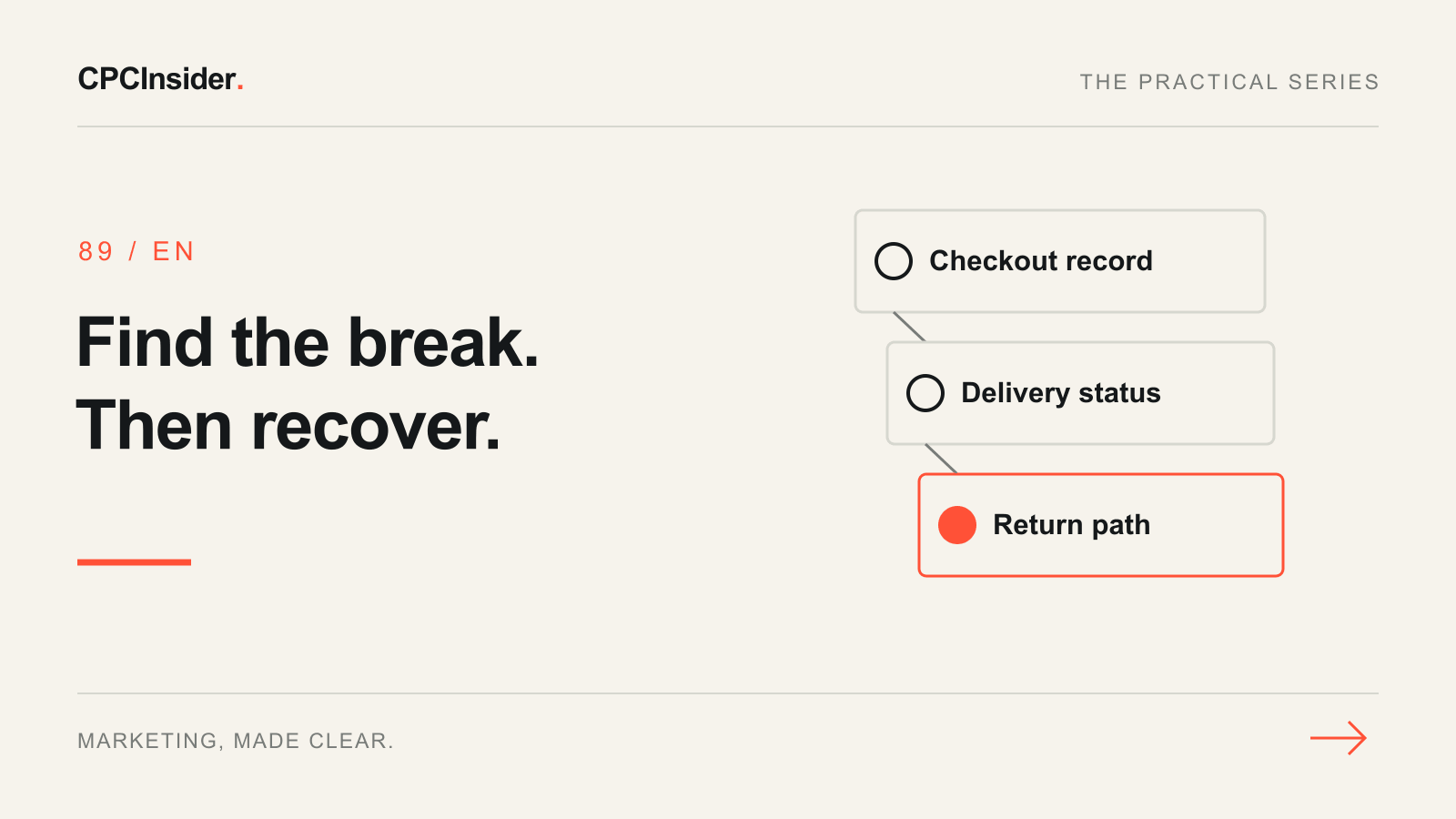
Customers start checkout, but the reminder email never arrives. Before changing the discount, use an address you control to start one test checkout in your own store. Record the product variant, time, market and automation expected to handle it. Stop before payment and locate the checkout record.
A cart addition and an abandoned checkout are different stages. This guide follows a checkout that has collected the information needed for recovery. Use the GA4 funnel guide to locate earlier drop-offs.
1. Find the record before the email
In Shopify, open Orders and then Abandoned checkouts. Look for your test using its time and address. Shopify’s recovery documentation explains the available checkout and payment information.
If no record appears, confirm which stage the test reached and whether a third-party checkout owns the record. Do not diagnose a missing email until you have identified the system and event that should trigger it. Keep test data separate from customer reporting.
2. Read the automation run
Open the relevant automation and inspect the test contact’s eligibility, delay, current state and exclusions. Check whether another recovery workflow is already active. Shopify’s automation guide describes the current channel and recipient settings; defaults and available features can vary.
If the delay has not elapsed, wait until its recorded time. If the contact is excluded, check the actual subscription and workflow rules instead of removing exclusions simply to make the test pass. If the workflow reports a send, open the delivery history and record whether it was delivered, bounced or suppressed. Compare that record with your test inbox before calling it a trigger failure.
| Checkpoint | Record | Next action if it fails |
|---|---|---|
| Checkout exists | Test time and record ID | Verify capture and system ownership |
| Automation eligible | Rule and delay | Review the specific exclusion |
| Message delivered | Delivery status | Investigate the provider’s stated failure |
| Link works | Correct variant and checkout | Fix the destination or item issue |
| Payment state agrees | Store and provider status | Reconcile before requesting payment again |
3. Test the return path
Open the recovery message on a phone. Confirm that the product, quantity and intended offer are correct and that delivery is available for the target address. Use only your own test recovery link. Shopify notes that anyone with a recovery link can continue that checkout, so never paste customer links into public documents.
If a payment already succeeded at an external provider but the store still shows abandonment, compare the provider confirmation with the order record. Escalate a confirmed mismatch to the store owner or payment team before sending another payment request. For a reporting-source issue after the bank return, use the payment-referral checklist.
Close the first verified gap
Assign one owner, save the failed checkpoint and retest after the fix. Judge recovery using completed orders and fulfilment status, with a consistent reporting window. Our Tracking, Attribution & CRM service connects these records. Request a free founder-led growth review for a 30-minute discussion and a short written three-priority plan.
About the author
Free founder-led growth review
Know where to focus your next marketing investment.
In a focused 30-minute conversation, we review your advertising, website and sales follow-up together. Afterwards, you receive a short written action plan you can use with your own team or with ours.
Your biggest growth gaps
See where your ads, website or follow-up may be losing potential customers.
Your next 3 priorities
Get a ranked action list with the reason for each recommendation and what to check next.
A practical starting plan
Leave with clear next steps for your team, plus our recommendation if you want help implementing them.
Continue reading
Google Merchant Center: diagnose missing or disapproved products
Trace missing Shopping products from Merchant Center status to the exact variant, landing page and data source.
GA4 payment referrals: a checkout attribution checklist
Payment providers appearing as traffic sources in GA4? Diagnose checkout returns, choose referral or cross-domain settings and verify the result with a test log.
Conversion funnel: turn website visits into customers
Map your conversion funnel from visit to customer. Use a worked example, a free worksheet and GA4 checks to find lost enquiries and choose the next fix.